Enablement and workshops
Working Effectively with AI
The foundation workshop for every employee: from chat to daily work with AI, on your enterprise tool.
For organizations that opened Claude, ChatGPT or Copilot licenses to everyone, where most people still use them as a chat box. The workshop resets the baseline for all, within your AI policy.

What you get
A work prompt, rewritten
Every participant takes a task from their own work, sees why the generic prompt fails, and rewrites it with a structured prompting framework. Usable the next day.
A first project or Skill
A workspace for a recurring task, with its instructions, documents and output format, or a Skill that runs it in one click. Subject to what your environment enables.
A prompt library for the organization
Examples and exercises tailored to your systems and use cases before the first wave, and kept by you for everyone who was not in the room.
How it works
Foundations
The tool map, why a generic prompt returns a generic answer, personal settings and standing instructions, and one prompting framework that works. Exercise: rewriting a task from your own work.
Advanced techniques
Context management: resets, summaries and memory. Multi-document work in one project, step decomposition, structured output, constraints, role framing and examples. Exercise: a personal project.
Skills and agents
What a Skill is, what an agent is, and where the line runs. Building a first Skill in your enterprise tool, for presentations, documents and spreadsheets. An add-on module, as needed.
Live support
A live Q&A channel staffed by a second ApplAI facilitator throughout the session, and the prompt library available to every participant afterwards.
Format
- Duration
- Two hours for the foundation session, three with the Skills module. Can be split into two sessions.
- Participants
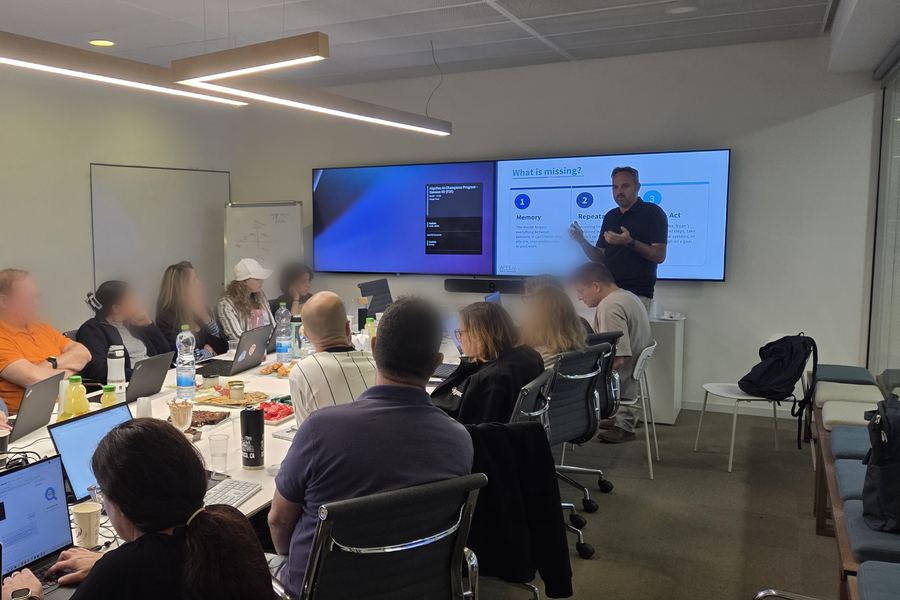
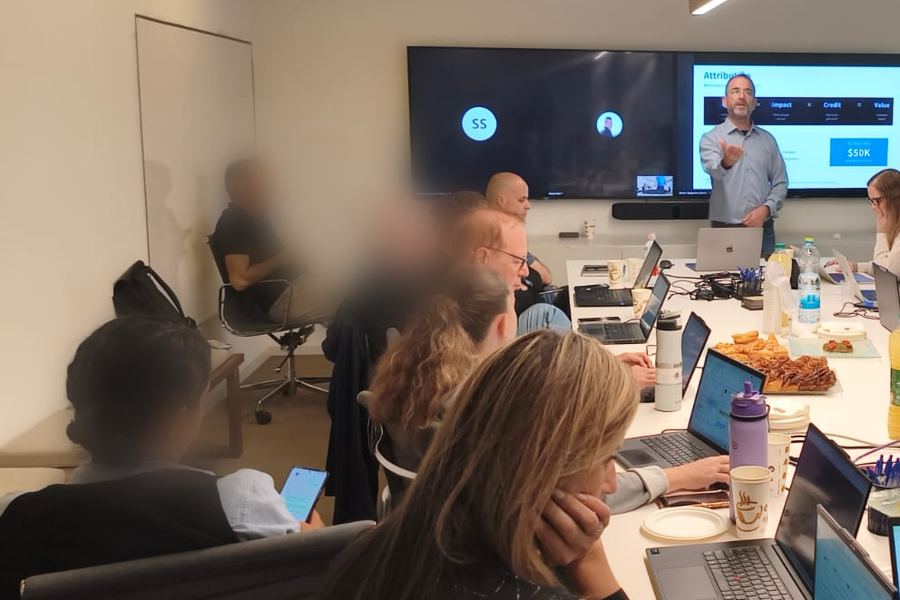
- Up to 25 per group. Remote or in person, in Hebrew or English, group after group until the whole organization has been through it.
- Environment
- Claude, ChatGPT or Copilot in their enterprise editions. The content is adapted to your tool and to what it enables.
- Customization
- Before the first wave: examples, exercises and the prompt library adapted to your systems, teams and use cases. Done once.
FAQ
A shared baseline across the organization. Today most people use the tool as a chat box: question, answer, copy. IT fields a flood of requests and usage stays uneven. The workshop moves everyone to projects, standing instructions and Skills, all at once.
Role-based workshops on each team's own processes: finance, HR, product, sales and R&D. And an internal community of AI leaders that keeps adoption going after the training.
Every employee with a license, no technical background needed. Leadership has its own version, Leading in the AI Era, which adds the management side.
Contact
Tell us how many employees, which tool you work in, and when you would like to start.
- info@applai-consulting.com
- Tel Aviv, Israel